Inner
Hide what matters. In plain sight.
Your private photos, notes, and files. Tucked inside ordinary images. Private, on your device, leaving no trace.
Your personal data becomes invisible. Stored inside images that look completely ordinary. No accounts. No servers. No trace left behind.
See how it works

Your Privacy, Your Terms
Store what matters inside photos that look completely normal. No accounts, no servers, nothing to explain.
Why This Works
Can you tell these two colors apart?
The changes are invisible. Data is stored by making tiny adjustments to individual pixels, so small that the human eye cannot detect them.
It's just a photo. Nothing stands out.
Good to Know
Complete Control, Zero Trace
No accounts, no servers
Everything happens on your device. Your data never leaves your phone.
Delete the app when done
No permanent footprint. The image works without the app installed.
The image looks ordinary
Nothing to question, nothing to explain. It's just a photo.
Your data stays protected
Unless you choose to reveal it. Only you control access.
The Process
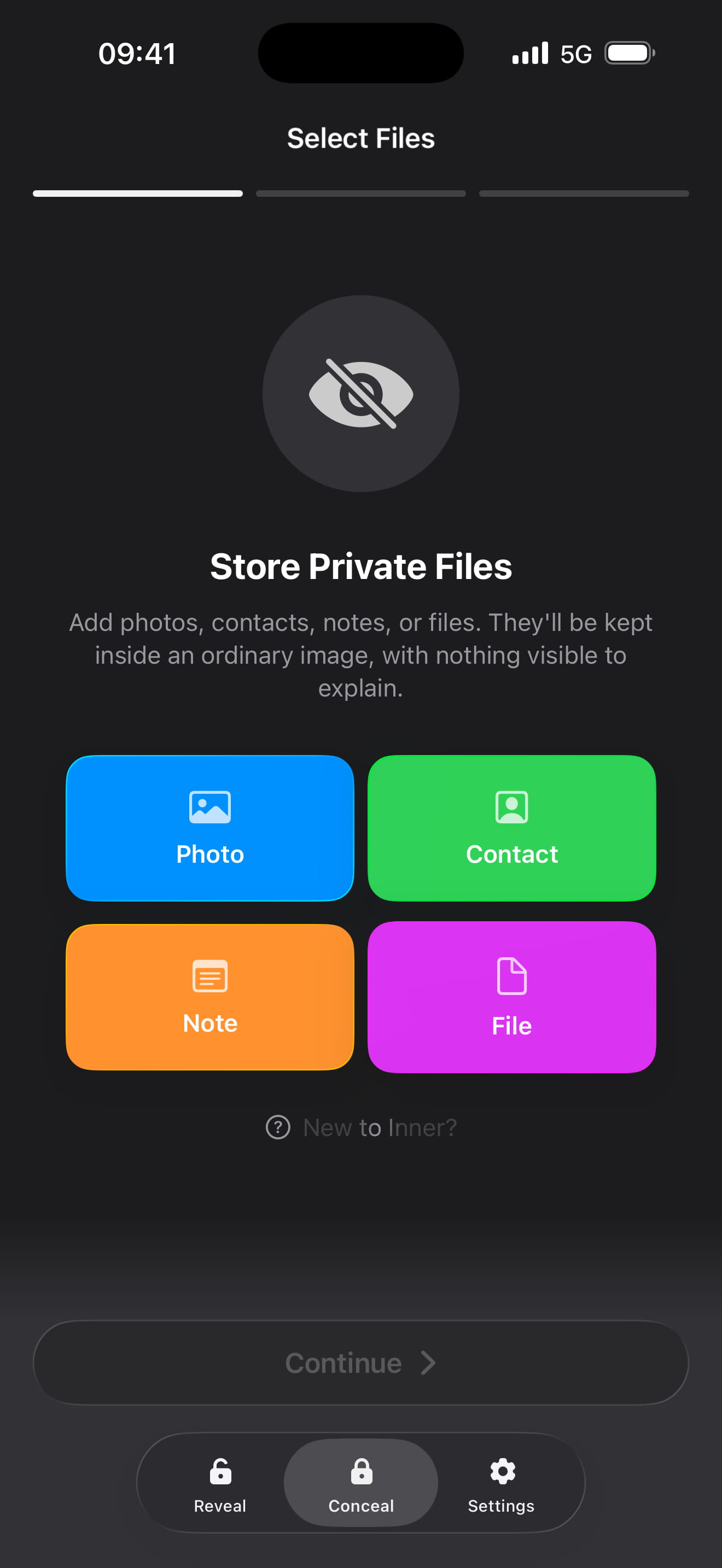
Choose What to Store
Select photos, contacts, notes, or files you want to keep private.
Pick a Cover Image
Choose any photo as the container. Larger images can hold more.
Add a Passphrase
Optional but recommended. Without it, no one can access your data.
Save It Like Any Photo
The result is just an image. Store it anywhere. Delete the app if you want.
Delete the app. Keep the images. Your private data stays safe, even when your phone is not.
Download for iOSInvisible
Hidden data blends seamlessly into ordinary images. The result is indistinguishable from the original.
Photos, Notes, Files
Hide different types of private content. Photos, contacts, notes, and documents all stay protected.
Passphrase Protected
Add a personal passphrase. Without it, your data stays inaccessible. Even with the app.
Your Choice of Security
Short pin or long password. Numeric or alphanumeric. Choose what feels right for you.
Delete the App
Your encoded images work independently. Delete the app, keep the images. Nothing left behind.
Stays on Your Phone
No accounts, no cloud uploads, no tracking. Everything is processed locally. Completely private.
Tips for Better Privacy
Simple ways to make your private data even more discreet.
Choose Images That Blend
Textured photos like landscapes and nature scenes hide data best.
Remove App Attribution
Use the Siri Shortcut to save without "Saved from Inner" marking.
Delete the App When Done
Your images work independently. Nothing left behind on your device.